
- Expertise:
- CFD Trading, Forex, Derivatives, Risk Management
- Credentials:
- Chartered ACII (2018) · Trading since 2012
- Tested:
- 40+ forex & CFD platforms with live accounts

- Expertise:
- Broker Comparison, ISA Strategy, Portfolio Management
- Credentials:
- Active investor since 2013 · 11+ years experience
- Tested:
- 40+ brokers with funded accounts
How We Test
Real accounts. Real money. Real trades. No demo accounts or press releases.
What we measure:
- Spreads vs advertised rates
- Execution speed and slippage
- Hidden fees (overnight, withdrawal, conversion)
- Actual withdrawal times
Scoring:
Fees (25%) · Platform (20%) · Assets (15%) · Mobile (15%) · Tools (10%) · Support (10%) · Regulation (5%)
Testing team:
Adam Woodhead (investing since 2013), Thomas Drury (Chartered ACII, 2018), Dom Farnell (investing since 2013) — 50+ platforms with funded accounts
Quarterly reviews · Corrections: [email protected]
Disclaimer
Not financial advice. Educational content only. We're not FCA authorised. Consult a qualified advisor before investing.
Capital at risk. Investments can fall. Past performance doesn't guarantee future results.
CFD warning. 67-84% of retail accounts lose money trading CFDs. High risk due to leverage.
Contact: [email protected]
Which platform should an Australian Pepperstone trader actually pick?
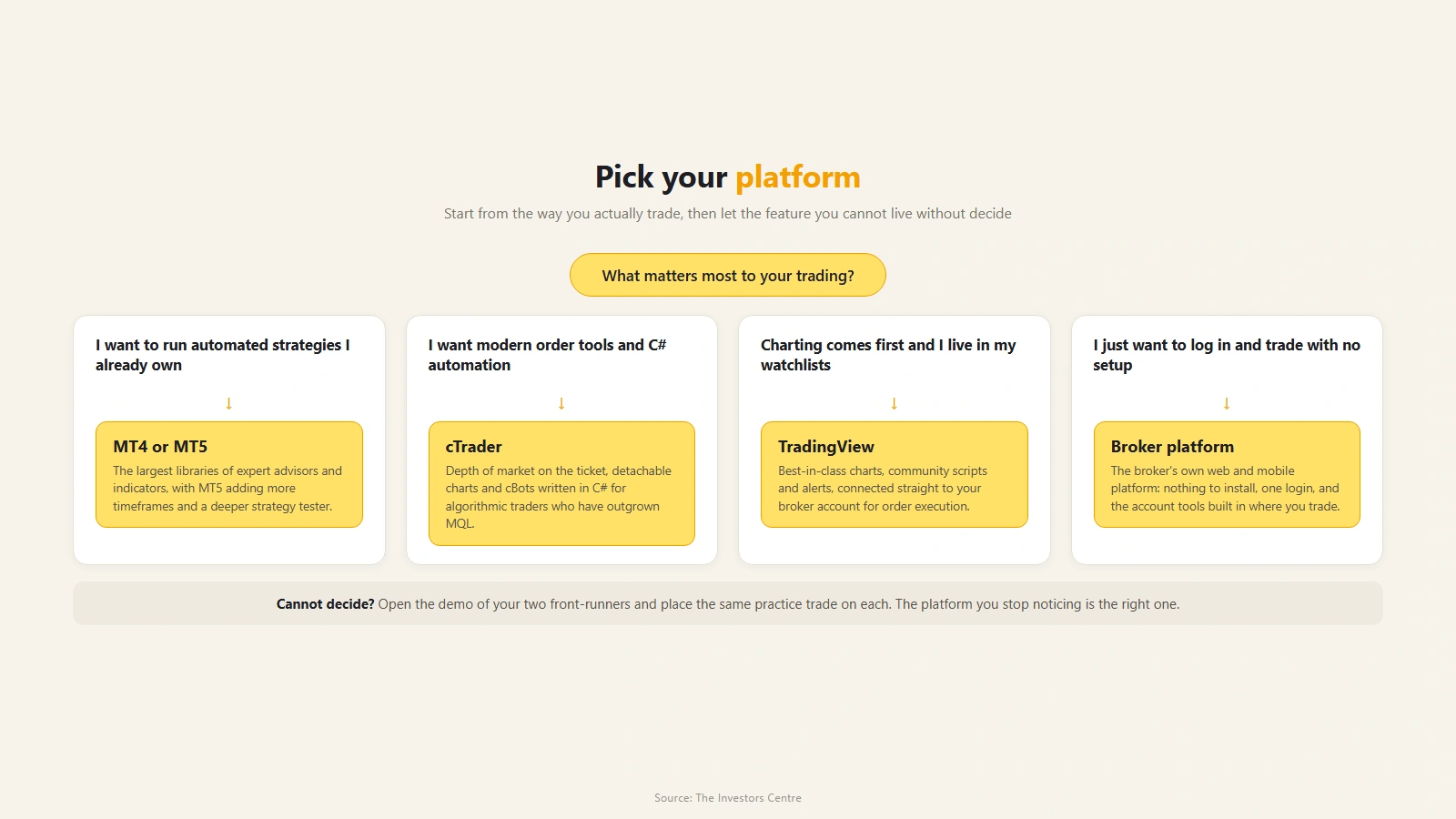
TradingView if the chart is where you live. cTrader suits traders for whom execution detail matters more than anything else, while an automated strategy points you at MT5 (or MT4), because Expert Advisors only work there and on cTrader. Pepperstone's own web platform and mobile app cover anyone who wants the account without the learning curve. The complication, and the reason this page exists, is that on a Razor account your charting choice also sets your commission rate: the en-au costs and fees page publishes the per-lot figure platform by platform, and the figures are not all the same: on an AUD account MT4 and MT5 come out cheapest, because they charge in Australian dollars while the other platforms are priced in US dollars. All six choices trade the same 1,350+ CFD markets under ASIC's retail leverage caps, 30:1 at most on major forex pairs, so whichever cockpit you pick, the product underneath is the same.
 Top Rated
Trading CFDs and FX carries significant risk and is not suitable for everyone. You have no interest in the underlying asset.
What is the line-up on the Australian entity?
The full line-up runs to six platforms, two more than this page's title. The comparison in the H1 is the one traders actually argue about, but pepperstone.com/en-au lists TradingView, MT5, MT4, cTrader, the Pepperstone web platform and the Pepperstone mobile app, all confirmed there on 1 September 2026, all carrying the full 1,350+ instrument range, and all available on either the Razor or the Standard account. Automation draws the only hard line: Pepperstone's own comparison table flags algorithmic trading on MT4, MT5 and cTrader only.
A note on method before the opinions start. I trade MT5 and TradingView through Pepperstone's UK entity, so my views on how those two feel to use are first-hand and transfer directly; the Australian pricing and product details in this guide are document-checked against the en-au pages rather than claimed from my own ticket, and every figure below is dated to that 1 September check.
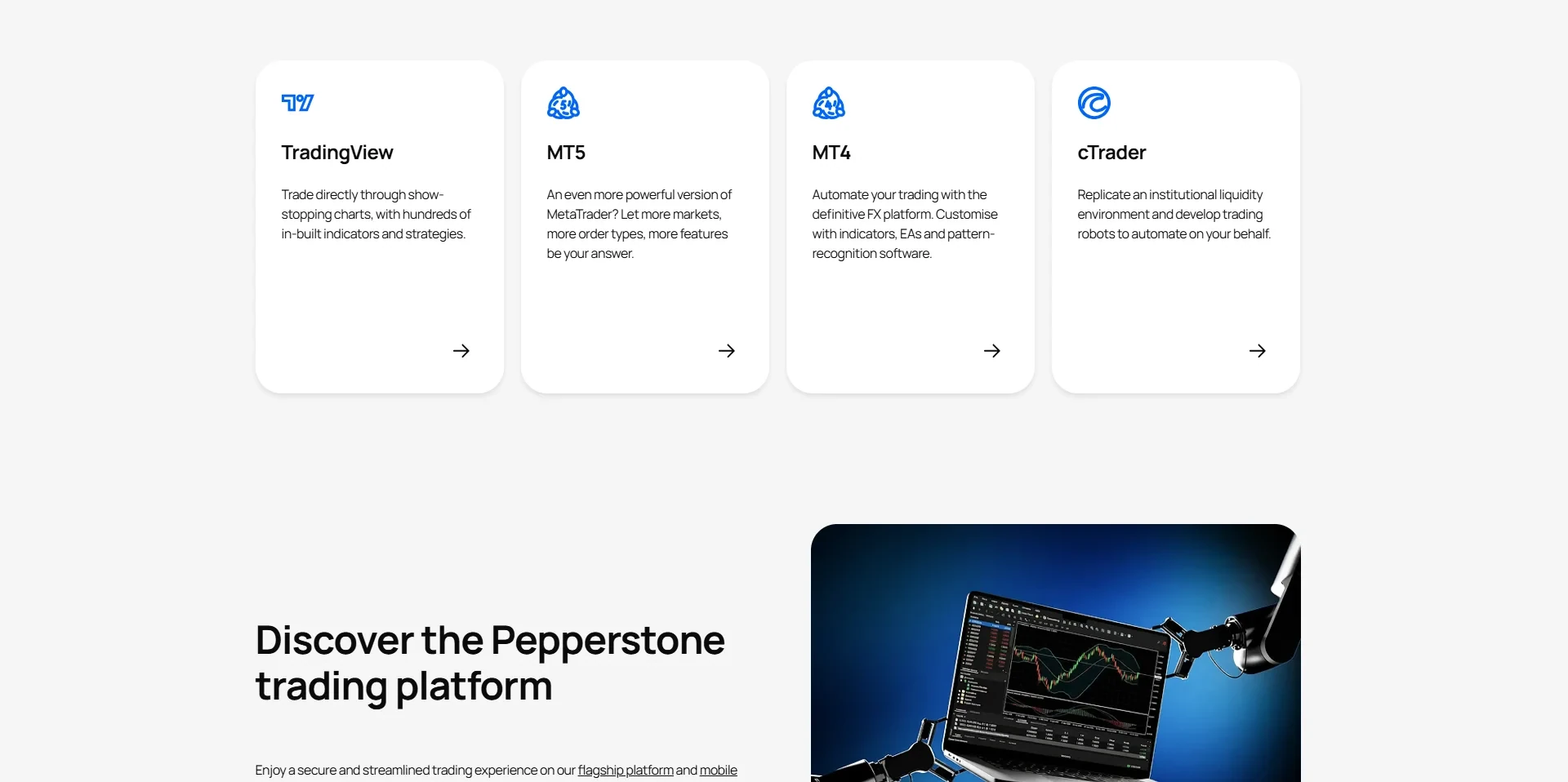
Why would you run Pepperstone through TradingView?
Because you probably already do your analysis there. TradingView's charting is the best of the four by a distance, the indicator and script library is enormous, and the social layer means any instrument you open comes with a crowd of published ideas to argue with. Connecting a Pepperstone account puts a live deal ticket inside that environment, so the place you find the trade and the place you take it become the same screen.
The costs are specific to the integration. On Razor, TradingView trades carry a fixed 7 USD roundtrip commission per standard lot as published on the en-au costs and fees page, converted to your account currency at spot. No automation runs here, and the deepest order-management features live elsewhere. This is the analyst's platform, and it makes no apology for that.
What makes cTrader the execution specialist?
The commission is 6 USD roundtrip per standard FX lot, fixed, the lowest of the US dollar rates on the en-au costs and fees page and a dollar a lot under TradingView. It converts at spot, though, so on an AUD account it costs more than MetaTrader's AUD 7 round turn unless the Australian dollar is worth more than about 86 US cents. Pick cTrader for how it executes, not for the price.
The rest of cTrader's reputation is earned at the point of execution. Depth of market is visible on the ticket, order types go well beyond the basics, and position management is granular in a way MetaTrader has never matched. cTrader also supports its own automation language for those who build rather than buy. The trade-off is familiarity: it looks and behaves like neither MetaTrader nor TradingView, so allow a genuine adjustment period. Its demo is the most forgiving of the set, staying alive indefinitely as long as you log in at least once every 90 days.
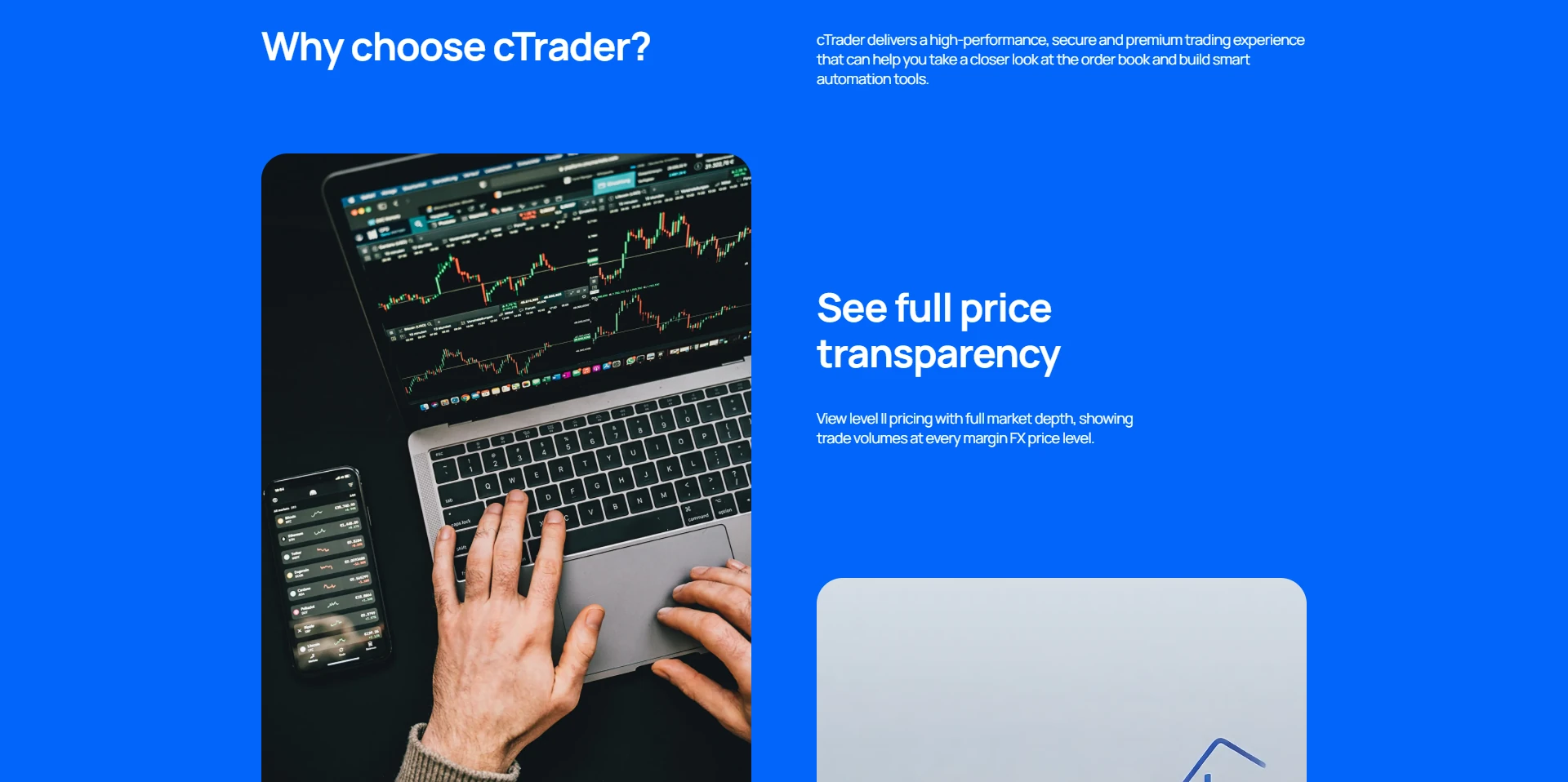
Where do MT4 and MT5 still earn their place?
They earn it almost entirely through automation. The Expert Advisor ecosystem built around MetaTrader over two decades has no real rival, and if your strategy is an EA you bought, inherited or wrote, MT4 or MT5 is simply where it runs. MT5 is the sensible default of the two, with more timeframes, a proper economic calendar and faster backtesting; MT4 persists for traders whose tools were built for it and nothing else.
Razor commission on both is charged in your account currency: AUD 3.50 per side per standard FX lot on an AUD account (AUD 7 round turn), or USD 3.50 on a USD account, with no conversion step. That makes them the cheapest Razor route on an AUD account. As charting environments they show their age against TradingView, which is why plenty of traders run the charts in one window and the EAs in another. Nothing wrong with that arrangement at all.
What does Pepperstone's own platform do better?
It gets out of the way. The web platform and its companion mobile app were built by the broker for the account, so there is no third-party connection step, no plugin, and no vocabulary to learn before the first order. Watchlists, alerts, pre-set stops and clean tickets, in a browser and on a phone, with Razor commission at 3.5 USD per standard FX lot per side, converted at spot. That matches MetaTrader on a USD account and, with the Australian dollar below parity, costs more than MetaTrader's AUD 3.50 on an AUD account.
What you give up is the specialist ceiling: no EAs, no cTrader-grade order surgery, charting that is competent rather than exceptional. For a discretionary trader placing a handful of considered positions a week it covers the job with the least friction of the six, and the phone side is strong enough that I have given it a full guide of its own.
How does your platform choice change your commission?
This is the quirk most comparison pages miss. On the Standard account it does not: pricing is spread-only, with roughly a 1-pip markup on margin FX pairs over Razor, identical whichever platform you open. On Razor, the commission schedule is published per platform, and the differences are real.
| Platform | Published Razor commission | The catch |
|---|---|---|
| cTrader | 6 USD roundtrip, fixed | Lowest US dollar rate, but converted at spot, so dearer than MetaTrader on an AUD account |
| MT4 and MT5 | AUD 7 per lot round turn on an AUD account (taken at open on MT4, AUD 3.50 per side on MT5); USD 7 on a USD account | Cheapest on an AUD account, though the charting shows its age next to TradingView |
| TradingView | 7 USD roundtrip, fixed | Joint dearest, level with the Pepperstone platform |
| Pepperstone platform (web and app) | 3.5 USD per standard FX lot per side (7 USD round trip) | Same 7 USD round trip as TradingView, with none of the automation |
| Standard account, any platform | No commission | Spread carries about a 1-pip markup over Razor instead |
Two lots a day on cTrader versus TradingView is a difference of 2 USD a day at the published rates, which is small per trade and adds up across a trading year. Whether it outweighs a charting environment you genuinely prefer is a personal call, and I would not switch cockpits for it unless volume is your business model.
How can you try them without committing?
Every platform has a free demo, and you can run several in parallel. Their lifespans differ: the Pepperstone platform demo runs 30 days, MT4 and MT5 demos run 60, and a cTrader demo does not expire at all provided you log in at least once every 90 days, with non-expiring demos available on request once a live account is funded.
My suggestion is unglamorous: pick your two most likely candidates, place the same handful of trades on each for a fortnight, and notice which one you stopped fighting.
Going live from there is quick. The published minimum deposit is just A$10 by card, with no minimum at all for bank transfers, and Australian onboarding includes an appropriateness assessment of your CFD knowledge before trading is enabled. The steps, with screenshots, are in my account-opening walkthrough.
Frequently Asked Questions
References
- Pepperstone: trading platforms comparison (en-au)
- Pepperstone: pricing and commission by platform (en-au)
- Pepperstone: costs and fees (en-au)
Trading CFDs and FX carries significant risk and is not suitable for everyone. You have no interest in the underlying asset.