
- Expertise:
- CFD Trading, Forex, Derivatives, Risk Management
- Credentials:
- Chartered ACII (2018) · Trading since 2012
- Tested:
- 40+ forex & CFD platforms with live accounts

- Expertise:
- Broker Comparison, ISA Strategy, Portfolio Management
- Credentials:
- Active investor since 2013 · 11+ years experience
- Tested:
- 40+ brokers with funded accounts
How We Test
Real accounts. Real money. Real trades. No demo accounts or press releases.
What we measure:
- Spreads vs advertised rates
- Execution speed and slippage
- Hidden fees (overnight, withdrawal, conversion)
- Actual withdrawal times
Scoring:
Fees (25%) · Platform (20%) · Assets (15%) · Mobile (15%) · Tools (10%) · Support (10%) · Regulation (5%)
Testing team:
Adam Woodhead (investing since 2013), Thomas Drury (Chartered ACII, 2018), Dom Farnell (investing since 2013) — 50+ platforms with funded accounts
Quarterly reviews · Corrections: [email protected]
Disclaimer
Not financial advice. Educational content only. We're not FCA authorised. Consult a qualified advisor before investing.
Capital at risk. Investments can fall. Past performance doesn't guarantee future results.
CFD warning. 67-84% of retail accounts lose money trading CFDs. High risk due to leverage.
Contact: [email protected]
What is the Pepperstone app actually good for?
Watching, reacting and managing. Pepperstone's own mobile app puts real-time price alerts, custom watchlists, full-screen chart trading and complete pre-trade detail on your phone, tied to the same account and pricing as the web platform. For Australians whose positions do their most dramatic moving during US hours, that is the difference between waking up to a result and being woken to make a decision. One thing to understand before you rely on it: the app's one-tap execution opens positions instantly, with no confirmation step, by design. Learn that setting before your thumb does. Everything here trades CFDs under ASIC's retail leverage caps, 30:1 at most on major forex pairs, and every feature claim on this page was checked against Pepperstone's Australian app page on 1 September 2026.
 Top Rated
Trading CFDs and FX carries significant risk and is not suitable for everyone. You have no interest in the underlying asset.
What can you do in the app?
The verified list is shorter than an app store blurb and more useful. Four groups cover it.
Orders and execution
One-tap execution opens a position with a single action. Alongside it sit pre-set stop-loss and take-profit levels, defined by price, by lots or by order duration, so the exit plan can travel with the entry rather than being bolted on afterwards. Before you commit, the ticket shows the full picture: margin required, account balance, price and the conversion rates involved, which matters on an AUD account trading USD-quoted markets because the currency leg is visible before the trade, not discovered after it.
Charts you can trade from
Charts run full-screen with multiple timeframes and technical tools, and you can deal directly from the chart rather than hopping back to a ticket. Nobody will mistake a phone screen for a trading desk. For checking a level and acting on it, it is enough.
Finding and following markets
Custom watchlists carry your own instruments; public watchlists and Pepperstone's AI-powered categories surface markets you were not already following. Whatever the categories put in front of you, the research into whether it deserves your money is still yours to do.
Why the alerts matter more than the charts
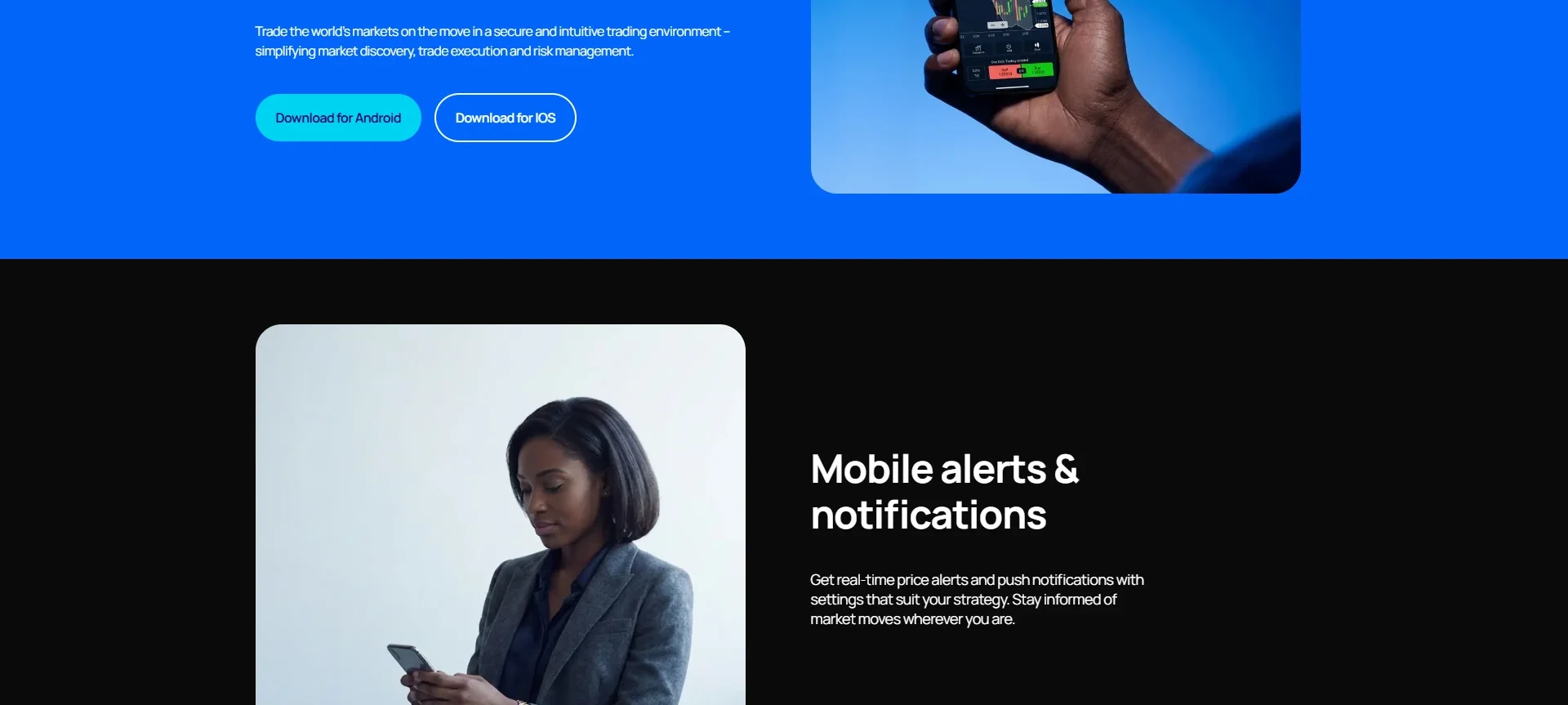
Real-time price alerts with push notifications, configurable to your strategy, are the app's best answer to the Australian timezone problem. Set alerts at the levels that would change your mind, then sleep. The phone only interrupts when the market does something you decided in advance was interruption-worthy, which is a far better night filter than checking prices at 2am. The same logic underpins my timezone advantage guide.
What this looks like on an Australian night
Picture the shape of it. You hold a gold position, US inflation data is due at 10.30pm AEST, and instead of sitting up with a laptop you set two alerts, one at the level where the trade is wrong and one where you would take profit, and go about your evening. The print lands, the phone buzzes, and the decision that follows takes thirty seconds: adjust the stop from the position screen, close from the chart, or do nothing and put the phone down. That is the whole case for this app in one scene. The US session, which runs through the Australian night, stops being a stretch of hours you either sacrifice sleep for or surrender to, and becomes a set of pre-decided levels that come to you.
How does it compare with the MT4, MT5, cTrader and TradingView apps?
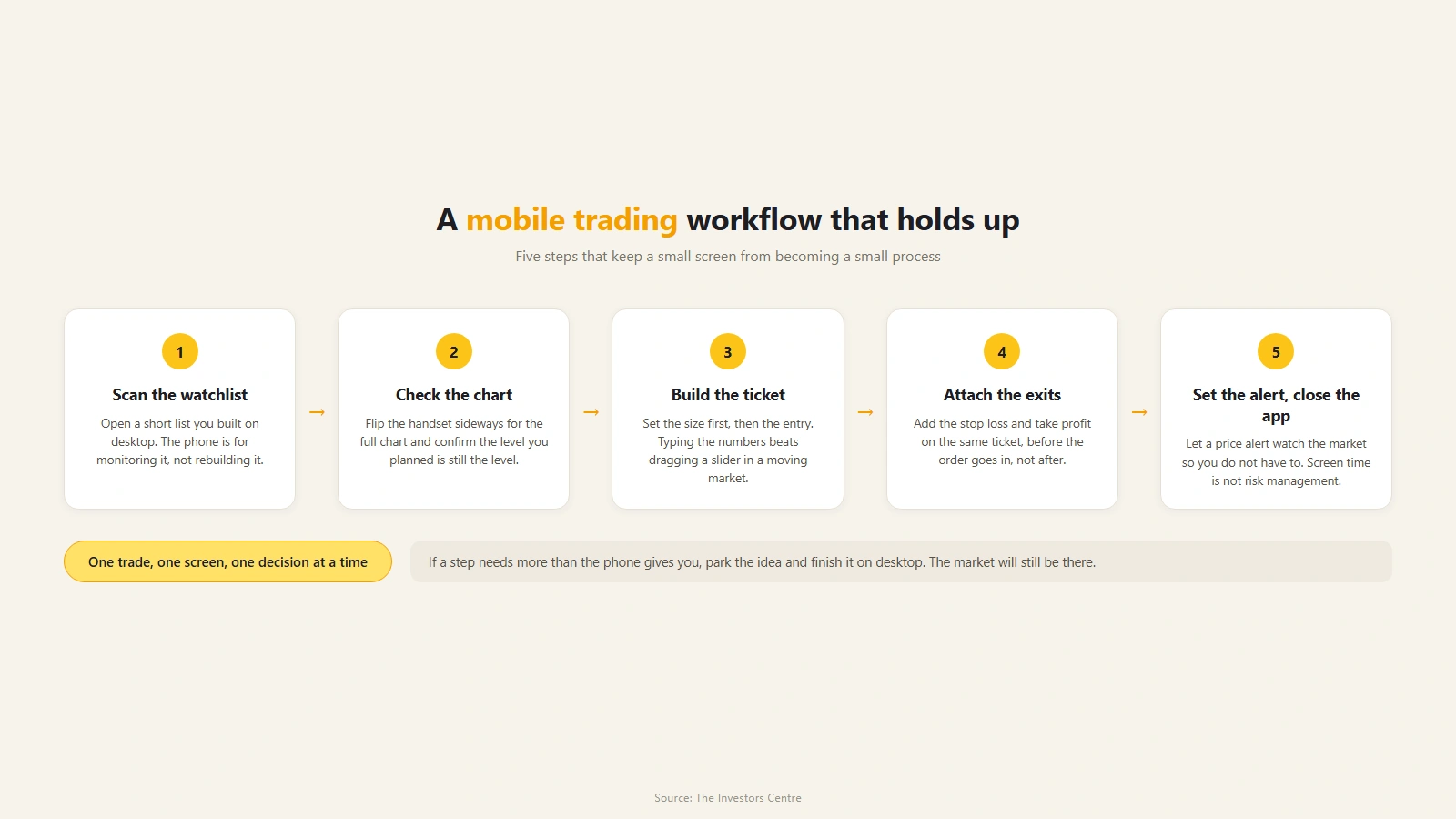
Every platform Pepperstone offers has a mobile version, so the real question is which app matches which job. The Pepperstone app is the integrated choice: built for the account, paired with the Pepperstone web platform, nothing to configure. If your trading is discretionary and your phone is for monitoring and acting, it is the one that asks the least of you.
The case for the others starts on the desktop. Run Expert Advisors and you live in MetaTrader anyway, so the MT4 or MT5 app keeps you next to the same account on the move; automation itself is flagged on MT4, MT5 and cTrader only, so the strategy stays with those platforms even when your phone is in your hand. cTrader's app suits traders who want its order-management style everywhere. TradingView's app is the strongest pure charting experience of the set, with the Pepperstone connection carrying through. Commission on a Razor account differs by platform, which is a genuine input to this choice, and the published rates are tabled in my platform comparison rather than repeated here.
A short mapping, then. Discretionary trader, few positions, phone as the main screen: the Pepperstone app, no contest. EA operator: MetaTrader's apps, because that is where the account already lives. Chart obsessive: TradingView. Order-management purist: cTrader. And nothing stops you installing more than one; plenty of traders analyse in one app and manage in another without any drama, though check how Pepperstone pairs accounts with platforms before assuming a single login covers both.
How do you set it up?
Most of the setup is verification. The sequence matters less than knowing what is coming.
Account before app
The app is a window onto a Pepperstone account, so the account comes first: identity checks as an ASIC-regulated broker requires, plus an appropriateness assessment of your CFD knowledge before trading is enabled, standard for Australian onboarding. My account-opening walkthrough covers each screen. Funding is undemanding: A$10 is the published card minimum, bank transfers have none, and Pepperstone charges nothing on deposits. Prefer to rehearse first? The Pepperstone platform demo runs 30 days, and the app is arguably the best place to spend them, because phone habits are the ones that need training.
Security
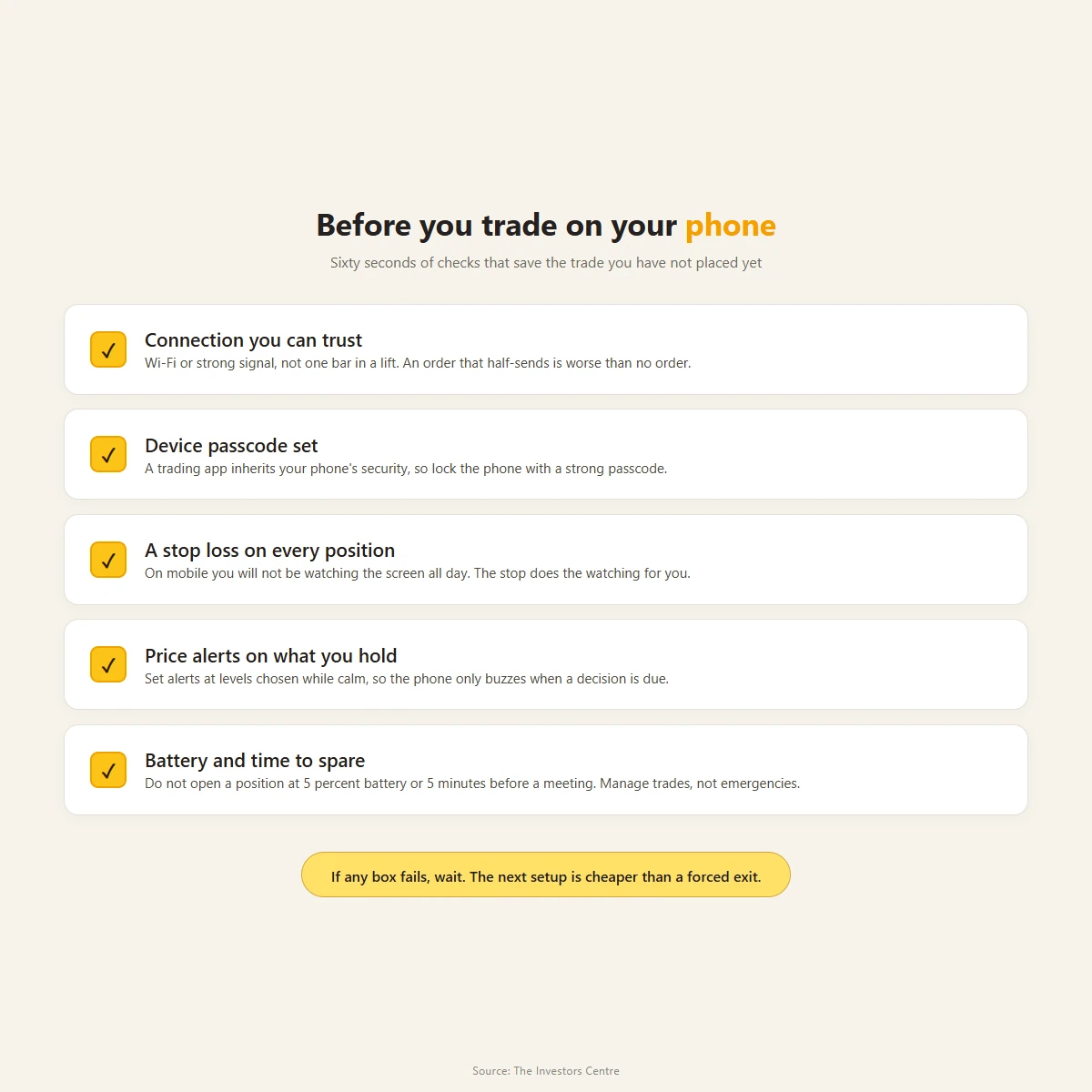
Pepperstone's Australian app page does not advertise biometric login, so I am not claiming Face ID or fingerprint access here; check the current app listing for yourself. Whatever the app offers, a trading app inherits your device's security, so a strong device passcode is non-negotiable.
First-session settings
Two are worth doing before any trade. Set price alerts on the instruments you actually hold, at levels chosen while calm. And find the one-tap execution setting, then decide deliberately whether it suits you: with it on, a position opens the moment you tap, at the price on screen, and no ticket appears asking you to look again. Leave it off until your watchlist and sizing habits are established, because until then the confirmation step is doing useful work.
Where does the desktop still win?
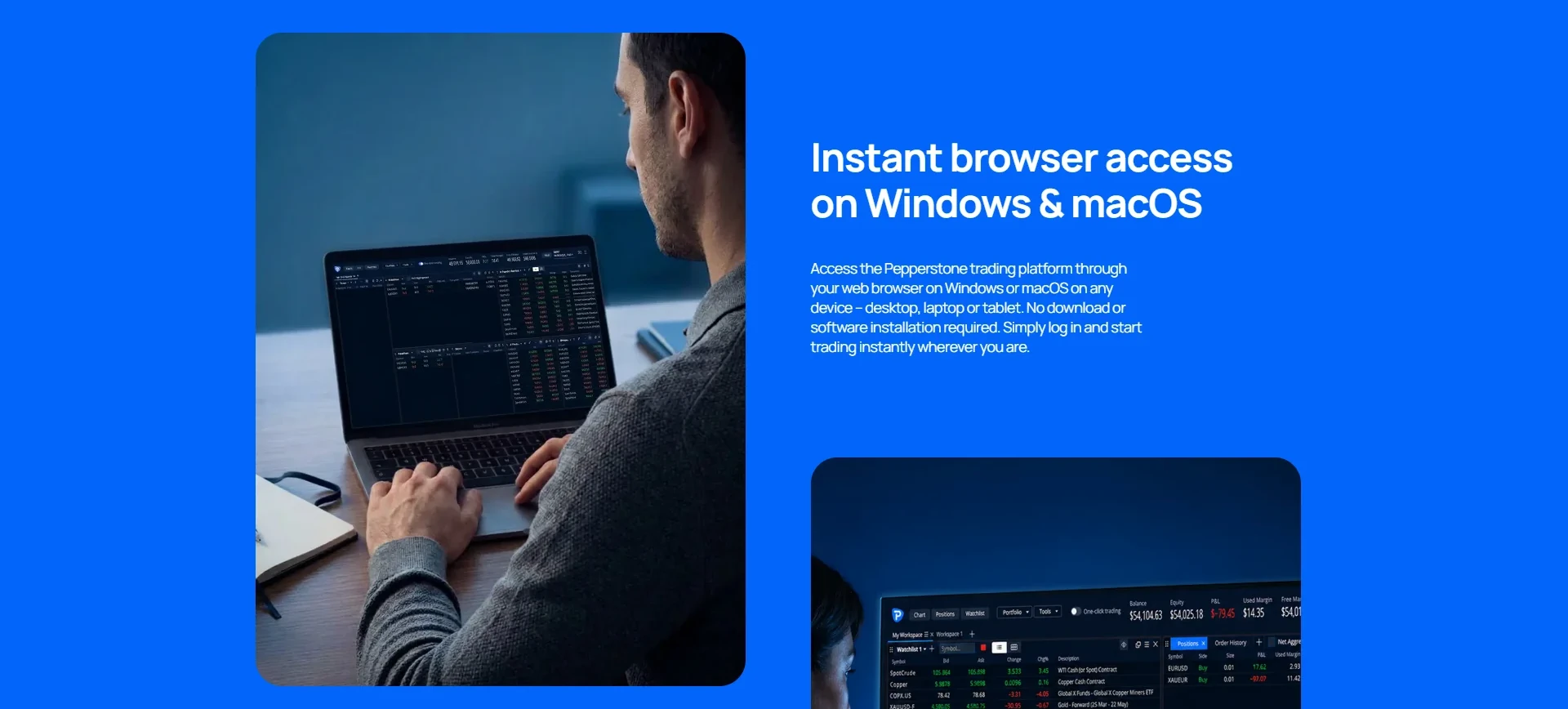
The desktop still wins almost everywhere that thinking happens. Multi-chart layouts, serious backtesting, EA management, cTrader's fuller order machinery, session reviews and journalling all belong on a bigger screen, and no phone app, Pepperstone's included, changes that. The app's own feature set says as much: it is built for executing and managing, with alerts to pull you in. Research is not on the list. What the phone gets is the finished decision, the pre-set stop to adjust, the alert to answer, the position to close.
Phones also add a risk desktops lack, the impulse trade placed in a queue or on a couch because the market happened to be open and the app happened to be there, and one-tap execution makes that easier, not harder. A written plan, made earlier, at the desk, is the only reliable defence.
None of this is a criticism of the app so much as a definition of it: Pepperstone built a strong second screen, and traders get into trouble only when they ask a second screen to be the first one.
Frequently Asked Questions
References
- Pepperstone: Pepperstone mobile app (en-au)
- Pepperstone: trading platforms comparison (en-au)
- Pepperstone: pricing (en-au)
Trading CFDs and FX carries significant risk and is not suitable for everyone. You have no interest in the underlying asset.